WhatsApp Message Character Limit: How Many Can You Send?
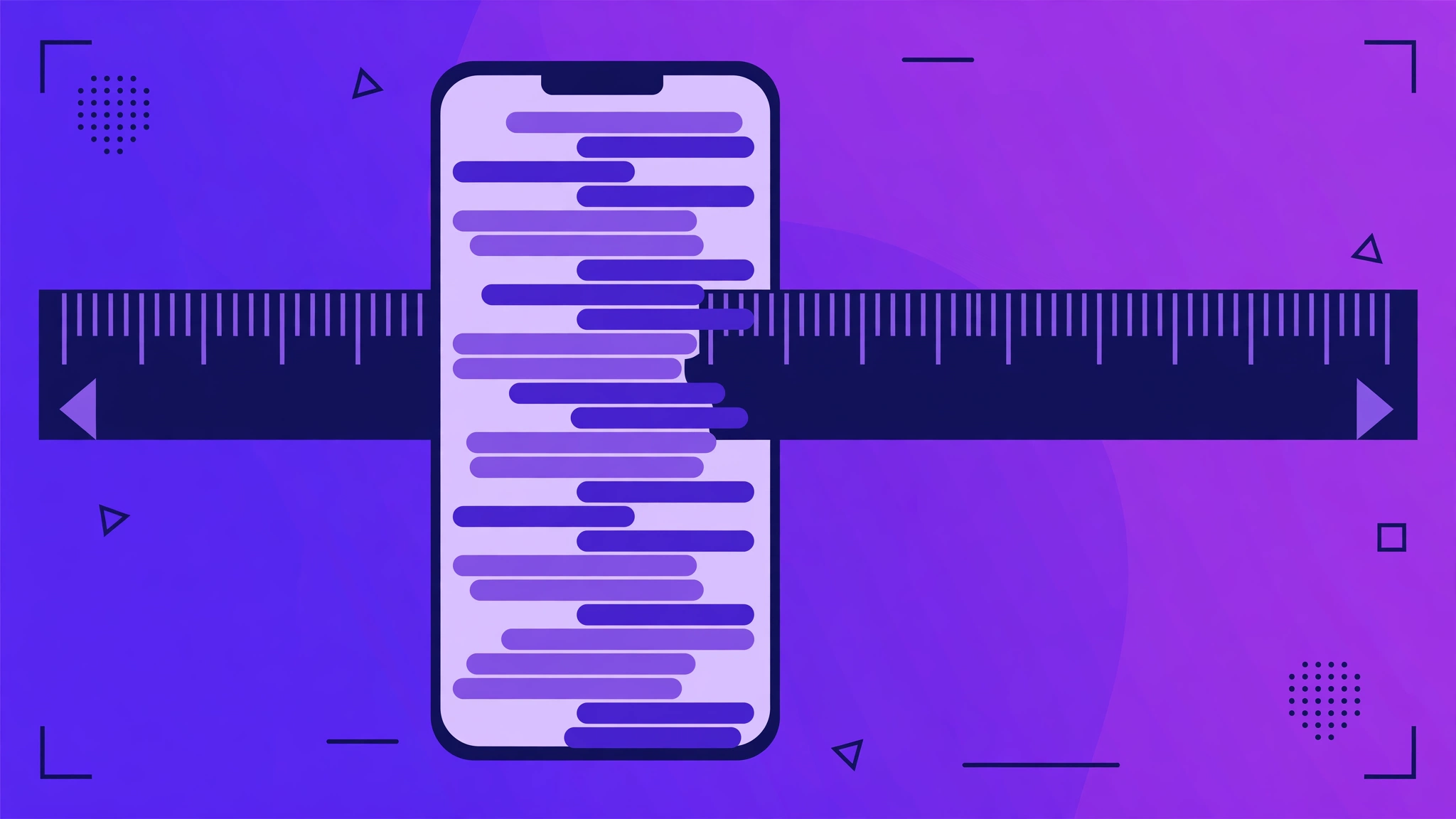
Ever typed a long message on WhatsApp and wondered if there is a point where the app just says “enough”? There is. WhatsApp caps every message at 65,536 characters — roughly 10,000 words, or about 20 pages of a book. For normal chats you will never hit it, but for pasted articles, long stories, and test data, the limit matters.
In this guide, the Quick Text Repeater Team explains the exact limit, what happens when you cross it, and the smaller limits hiding in statuses, bios, and group names. Last updated: November 2026.
The Current WhatsApp Character Limit: 65,536
WhatsApp allows up to 65,536 characters in a single message. That number is not random — it is 216, a classic boundary in software (the maximum value a 16-bit unsigned integer can hold). Many apps that store text length in two bytes land on exactly this number.
To put it in perspective: the average English word plus its space is about 6 characters, so 65,536 characters is roughly 10,000–11,000 words. You could paste this entire article series into one message and still have room. Day-to-day messages — even long ones — sit in the hundreds of characters, far below the cap.
What Happens When You Exceed the Limit
WhatsApp will not let you send an over-long message. When your text crosses 65,536 characters, the send button simply refuses to fire — the message stays in the input box. There is no error popup and no automatic splitting into multiple messages (unlike old SMS, which chained messages together).
The practical fix is to split the text yourself. Cut it into two or three parts and send them as separate messages. If you are pasting from a document, paste it in chunks rather than all at once — a 100,000-character paste will just sit there, unsendable, until you trim it.
Does the Limit Differ on Android, iPhone, and WhatsApp Web?
No. The 65,536-character cap is enforced server-side, so it is identical on Android, iPhone, WhatsApp Web, and the desktop apps. Where the platforms do differ is in the editing experience: selecting and trimming a giant block of text is far easier on WhatsApp Web with a real keyboard than on a phone screen.
One more platform quirk: very long messages render as a collapsed “Read more” preview on the recipient’s phone. They still receive the full text — they just tap to expand it. This is a display choice, not a second limit.
Status, Group Name, and Bio Limits: Quick Reference
Messages are not the only text fields with caps. Here are the smaller limits people run into:
- About / bio line: 139 characters. This is the short line under your name in your profile.
- Group subject (name): 100 characters. Group names are meant to be short and scannable.
- Group description: 512 characters. Enough for rules and links, not for essays.
- Text status: capped at a few hundred characters — much shorter than a chat message, so long announcements belong in a chat, not a status.
- Broadcast lists: the same 65,536-character message limit applies, but you can only broadcast to 256 contacts at once.
The bio and group-name limits bite more often than the message limit. If your “About” line will not save, count it — you are probably past 139 characters.
How to Check Your Message Length Before Sending
WhatsApp shows no character count while you type, so the easiest check is to paste your draft into a counter first. Our character and word counter shows the exact count instantly — paste, glance at the number, and you will know whether you are under 65,536 (you almost certainly are) or over your bio’s 139.
This is also handy for the smaller limits: draft your group description in the counter, trim to 512, then paste it into WhatsApp with confidence. No trial-and-error saving.
Frequently Asked Questions
Can I send more than 65,536 characters by splitting the message?
Yes. The limit is per message, not per conversation. Split long text into parts and send each one separately — there is no daily or total cap on how much you can send overall.
Do emojis count as one character or more?
For WhatsApp’s limit, what matters is the app’s internal counting, and in practice a message packed with emojis still gets the same 65,536 budget. If you are near the edge, the counter linked above measures what you paste.
Why does my long message show “Read more”?
That is just a collapsed preview. The full message was delivered — the recipient taps “Read more” to expand it. It has nothing to do with the character limit.
Is there a limit on how many messages I can send per day?
No published cap for normal use. WhatsApp may temporarily restrict accounts that blast thousands of messages (spam protection), but ordinary chatting — even heavy chatting — never hits it.
What is the longest WhatsApp message ever sent?
There is no official record, but by construction it cannot exceed 65,536 characters in one message. Anyone claiming a longer single message is describing multiple messages.
Hitting the smaller limits more often than the big one? Draft in our character counter first — it takes two seconds and saves the guesswork.