
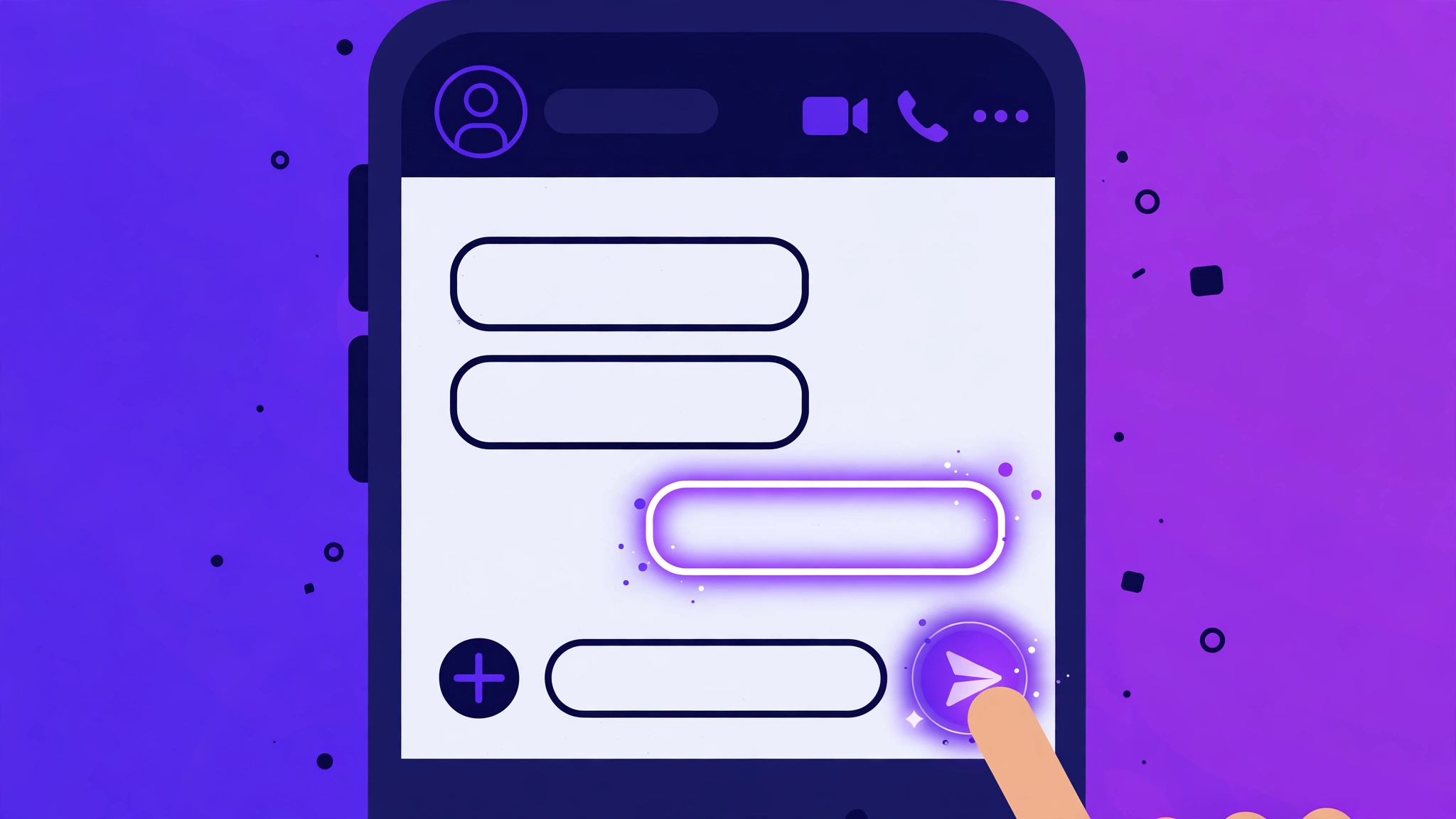
How to Send a Blank Message on WhatsApp in 2026 (4 Methods That Still Work)
Want to know how to send a blank message on WhatsApp — a message that looks empty but still sends? It is a popular trick, and it is also a handy way to test how an app handles unusual input. The problem is that most guides online are outdated: they tell you to copy a zero-width space (U+200B), which WhatsApp strips before sending, so nothing ever arrives.
In this guide, the Quick Text Repeater Team walks through 4 methods that still work in 2026. We tested each one on current versions of WhatsApp for Android and iPhone. Last tested: November 2026.
Why Blank Messages Fail on WhatsApp
When you paste text into WhatsApp and hit send, the app cleans your input first. This filter removes invisible “format” characters — most famously U+200B, the zero-width space. After the filter runs, your message is genuinely empty, so either nothing sends or the send button never activates.
This is also why tricks from old videos stopped working. WhatsApp’s filter has grown stricter over the years, and the characters those videos recommend are exactly the ones it now removes. The fix is not to try harder with the same character — it is to use a character WhatsApp does not strip.
Method 1: Copy a Braille Pattern Blank Character (U+2800)
U+2800, the Braille Pattern Blank, is the reliable choice for blank WhatsApp messages. Unlike the zero-width space, it is a real symbol character rather than a “format” character, so WhatsApp’s filter leaves it alone.
- Copy the U+2800 character from our blank-text generator (one click, no signup).
- Open the WhatsApp chat where you want to send it.
- Paste the character into the message box.
- Hit send. The message arrives as an empty bubble.
One note: on Android 9 and older, the recipient’s phone may show a small box instead of nothing. That is a font issue on their device, not a problem with the method — on modern phones it renders as a clean blank.
Method 2: The Hangul Filler Trick (U+3164)
U+3164, the Hangul Filler, is another character that survives WhatsApp’s filter. It was designed as a placeholder in Korean text, which is why it behaves like a letter instead of invisible formatting.
- Copy U+3164 from the same generator page linked above.
- Paste it into any WhatsApp chat and send.
In our testing, U+3164 works for WhatsApp messages on both Android and iPhone. It is also the character behind most invisible profile-name tricks, so it is worth remembering if you ever want a blank display name somewhere else.
Method 3: Use a Blank-Text Generator Page
If you do not want to think about code points at all, use a generator. Our blank-text generator gives you one-click copy buttons for U+2800, U+3164, and other invisible characters, each labeled with where it works.
This is the simplest method: open the page, tap copy on the Braille Pattern Blank, paste into WhatsApp, send. No memorizing codes and no guessing which character survives.
Method 4: Send It From WhatsApp Web
Most guides miss this: WhatsApp Web and the mobile app can behave differently with unusual input. If a paste fails on your phone, try the same character on web.whatsapp.com — or the other way around.
- Open WhatsApp Web and go to the chat.
- Paste the U+2800 character into the message box.
- Press Enter to send.
The message syncs to your phone like any other. This is useful when a mobile keyboard trims or alters the pasted character before WhatsApp even sees it.
Why the Send Button Stays Grey (and the Fix)
WhatsApp’s send button only activates when the message box contains a real character. If you pasted U+200B, the filter strips it instantly, the box is empty again, and the button stays grey. It looks like the app is broken — it is actually working as designed.
The fix: paste U+2800 instead. Because the filter does not remove it, the box counts as non-empty and the send button lights up. If your button is grey, you are almost certainly holding a stripped character. For the full explanation of what is happening behind the scenes, see why WhatsApp deletes blank text.
Frequently Asked Questions
Does it work on iPhone?
Yes. The steps are identical on iPhone and Android. (Note: iMessage’s “Invisible Ink” is something else entirely — a blur animation, not an invisible character — and it only works between iPhones.)
Does it work on WhatsApp Business?
Yes. WhatsApp Business uses the same message input as regular WhatsApp, so every method above works there too.
Will my account get banned for this?
No. Sending an invisible character breaks no rule. Just do not spam people with it — mass-sending anything can trigger spam detection.
Why did the trick from an old tutorial stop working?
Those tutorials recommend U+200B, the zero-width space. WhatsApp’s filter now strips it before sending. Switch to U+2800 and the same steps work again.
What does the other person see?
An empty message bubble. On most phones it looks completely blank; on very old Android versions it may show as a small box.
Want the full breakdown of which invisible characters survive on each app? See our invisible character compatibility matrix — or just copy a tested blank character and send your first invisible message now.


3 Comments
Comments are closed.