
CR, LF, and CRLF Line Endings Explained
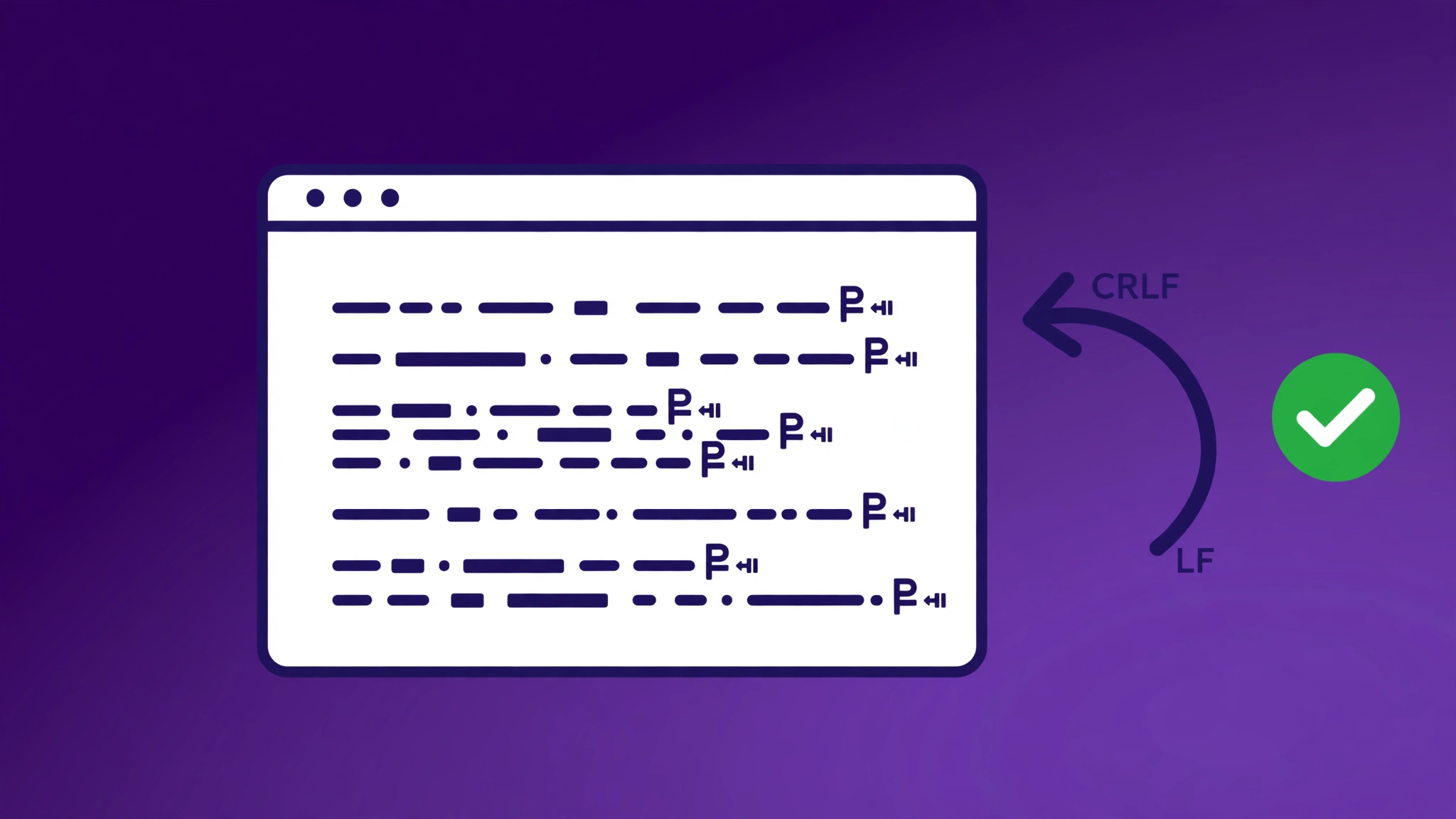
CR (\r), LF (\n), and CRLF (\r\n) are three ways to mark the end of a line. Windows uses CRLF, Unix, Linux, and modern macOS use LF, and old Mac OS used CR alone. Mixed endings break scripts, Git diffs, and pasted text.
A CR line ending is one of three hidden markers that tell software where a line of text ends. Open the same text file on Windows and on Linux, and it can look perfect on one and broken on the other. Lines run together, or every line ends with a strange ^M symbol. The text is the same. The difference is invisible: the characters that mark the end of each line.
Every line in a text file ends with a hidden marker. The problem is that three different markers exist, and each operating system picked a different one decades ago. This post explains what CR, LF, and CRLF are, why three of them exist, how to tell which one a file uses, and how to fix mixed endings.
What is a CR line ending?
A line ending is a control character, or a pair of them, that tells software where one line stops and the next starts. You never type it directly. Your editor writes it every time you press Enter. The three markers are:
- CR, carriage return, written \r, ASCII code 13 (hex 0x0D). It moves the cursor to the start of the current line.
- LF, line feed, written \n, ASCII code 10 (hex 0x0A). It moves the cursor down one line.
- CRLF, carriage return plus line feed, written \r\n. Two bytes, 13 then 10. It does both jobs at once.
The three kinds, side by side
| Marker | Bytes | ASCII codes | Used by |
|---|---|---|---|
| LF | \n | 10 | Unix, Linux, modern macOS, iOS, Android, web standards |
| CRLF | \r\n | 13, 10 | Windows, MS-DOS |
| CR | \r | 13 | Classic Mac OS (1984 to 2001), now rare |
Why three different endings exist
The answer starts with the typewriter. On a mechanical typewriter, starting a new line took two separate physical moves: return the carriage to the left margin, and roll the paper up one line. Early computers talked to teletype machines that worked the same way, so a new line needed both signals, CR then LF. CR came first because the carriage needed time to travel back before the next character arrived.
When operating systems were designed in the 1960s to 1980s, each made its own choice:
- Unix (1969) kept only LF. Storage was expensive, one byte was enough, and device drivers handled the rest. Linux and modern macOS inherited this choice.
- CP/M and MS-DOS kept CRLF to stay compatible with teleprinter hardware. Windows inherited CRLF from MS-DOS and still uses it today.
- Classic Macintosh (1984) picked CR alone. Apple kept it until Mac OS 9. When Mac OS X arrived in 2001, built on Unix, Apple switched to LF.
Internet protocols kept the old habit too. SMTP for email, HTTP for the web, and POP for mail all specify CRLF as the line ending, which is why CRLF still shows up far beyond Windows.
How to tell which ending a file has
Look at the raw bytes:
- 0A alone means LF.
- 0D 0A means CRLF.
- 0D alone means old Mac CR.
Most editors show it for you. VS Code shows LF or CRLF in the status bar at the bottom right, and clicking it converts the file. Notepad++ has Edit, then EOL Conversion, with the same options. On the command line, file reports the line endings, and a hex view shows the bytes directly.
What breaks when endings are mixed
A file with mixed endings usually still opens, but things go wrong in quiet ways:
- Git shows the whole file as changed, because every line ending differs, even when the text is the same.
- Shell scripts fail on Linux when a Windows-edited script carries \r at the end of each line. The shell reads the \r as part of the command.
- Pasted text doubles its spacing or collapses into one line, because the receiving app reads the endings differently from the app that wrote them.
- Some tools count lines wrong, so a file that looks 100 lines long reports a different count elsewhere.
How to fix mixed line endings
Pick one ending and convert the whole file to it. LF is the safe default for code, the web, and Git.
- In VS Code, click LF or CRLF in the status bar and pick the one you want. The whole file converts at once.
- In Notepad++ on Windows, use Edit, then EOL Conversion, then Convert to Unix (LF).
- On the command line,
dos2unixconverts CRLF to LF, andunix2dosconverts LF to CRLF. - In Git, the
core.autocrlfsetting controls conversion on checkout and commit. With it set, Git stores LF and checks out the line ending your system expects.
After converting, clean up the text itself. If pasting left you with doubled blank lines or stray spaces, our free line cleanup tool removes extra lines and trims the text: Line Cleanup Tool
FAQ
Which line ending should I use?
Use LF for code, web files, and anything shared through Git. Use CRLF only when a Windows-only tool demands it. Never mix both in one file.
Why does my file show ^M at the end of every line?
That is a CR character your editor is showing literally. The file has CRLF endings and the tool reading it expects LF only. Convert the file to LF and the ^M marks go away.
Do line endings matter for normal documents?
For Word documents and PDFs, no. For plain text, code, CSV files, and pasted text, yes. They matter most when a file moves between Windows and Linux or Mac.
What is the difference between CR and LF in plain words?
A CR line ending moves the cursor to the start of the line without moving down. LF moves down one line without returning to the start. CRLF does both, which is why Windows uses two characters where Unix uses one.
Related guides: Testing Text Inputs: 15 Edge Cases Every QA Should Try and Character and Word Counter

One Comment
Comments are closed.