
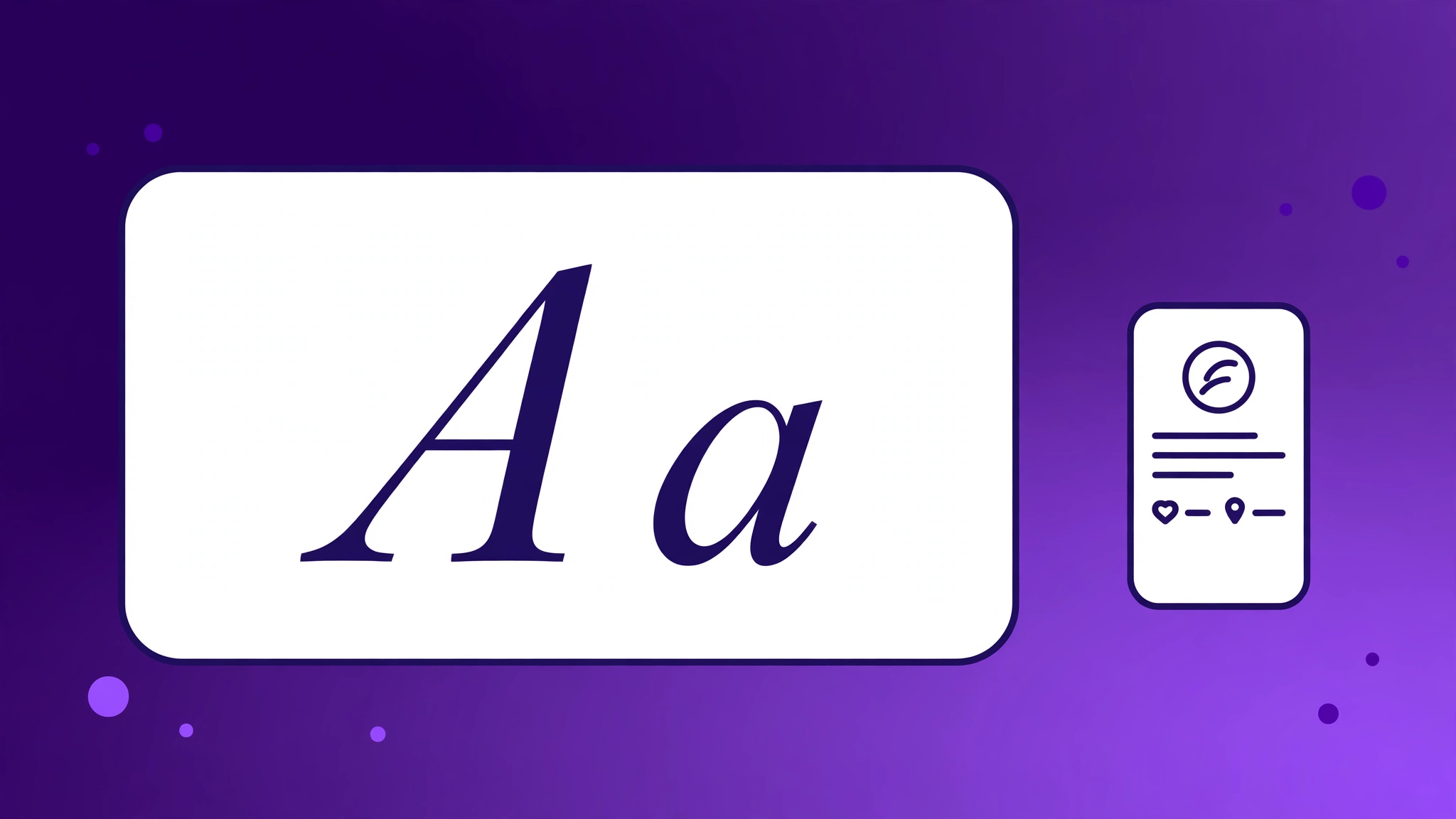
Copy Paste Italic Letters
Italic letters are real Unicode characters, not a font style. You copy them from a generator and paste them anywhere. They work in Instagram bios, Discord display names, and WhatsApp messages, but they do not work in usernames.
Instagram, Discord, and WhatsApp have no italic button. You cannot select a word in your bio and make it slanted. Yet you see bios and comments in perfect italic letters every day. The trick is not a setting. It is a different set of letters.
These letters look italic because they are built that way. Each one is its own character in Unicode, the standard that defines every letter your phone can show. When you paste one into a bio, the slant travels with it, because the slant is part of the character itself. This post explains what italic letters are, where they work, where they fail, and how to get them in three steps.
What italic letters actually are
An italic style in Word or Google Docs is formatting on top of a normal letter. It disappears the moment you paste the text somewhere without formatting controls. Italic Unicode letters are different. The letter A in italic is not an A drawn slanted. It is U+1D434, a separate code point that any font with maths support draws as an italic A.
These letters come from the Mathematical Alphanumeric Symbols block, Unicode range U+1D400 to U+1D7FF. Unicode added the block in version 3.1 in 2001 so mathematicians could tell variables apart in plain text. The same block holds bold, italic, bold italic, and sans-serif alphabets, each in its own range. That is why a generator can convert your text: it swaps each normal letter for the matching code point in the italic range.
There are four slanted alphabets in the block:
- Serif italic: capitals start at U+1D434 (𝐴), small letters at U+1D44E (𝑎). This is the classic book italic.
- Bold italic: capitals start at U+1D468 (𝑨), small letters at U+1D482 (𝒂).
- Sans-serif italic: capitals start at U+1D608 (𝘈), small letters at U+1D622 (𝘢).
- Sans-serif bold italic: capitals start at U+1D63C (𝘼), small letters at U+1D656 (𝙖).
One letter breaks the pattern. The slot for italic small h, U+1D455, is permanently empty, because Unicode already had an italic h: ℎ, the Planck constant sign, U+210E. Unicode never encodes the same letter twice, so ℎ is the italic h.
Where italic letters work
Italic letters work anywhere Unicode text is accepted and the app has no italic button of its own. That covers most of the places people want them:
- Instagram bios, captions, comments, and display names
- TikTok bios and comments
- Discord display names and messages
- WhatsApp messages
- X posts and YouTube comments
- Facebook posts and comments
They show correctly on current iPhones, Android phones, and desktop browsers, because system fonts on all three include these characters.
Where italic letters do not work
Usernames are the exception. Instagram handles, X handles, and Discord usernames accept only plain letters, digits, and a few signs such as periods and underscores. An italic letter in a handle is rejected. The same rule applies to the display name versus the handle: the display name takes italic letters, the @handle does not.
Two more limits are worth knowing before you paste italic text everywhere:
- Italic has no digits. Unicode never made italic numbers, so 0 to 9 stay plain in every italic style. A date or a price in the middle of italic text will show in normal digits.
- Screen readers often read each styled letter by name, one at a time. A whole paragraph in italic letters is painful to listen to. Platform search also cannot match a styled word against its normal spelling, so a search for “coffee” will not find “𝑐𝑜𝑓𝑓𝑒𝑒”. Keep italic letters for short decorative touches, one line or one word, never for essential information.
Italic vs script: do not mix them up
Many generator sites list a looping cursive style next to italic, and people call it italic. Unicode calls it script. The letters 𝒜, ℬ, 𝒞 are Mathematical Script, a different alphabet from italic. Script looks like handwriting. Italic looks like a slanted book font. If you want true italic, pick the style labelled italic, not script or cursive.
How to get italic letters in 3 steps
- Type your text into a fancy text generator. Our free tool has an italic style: Fancy Text Generator
- Pick the italic style you want and copy the result.
- Paste it into your Instagram bio, Discord display name, or WhatsApp message. No app install and no signup are needed.
Test the result before you commit to it. Paste it into a note first, then check it on a second device if you can. On a very old phone or an outdated app, a rare italic letter can show as a box instead of a letter.
FAQ
Do italic letters work on Instagram?
Yes, in bios, captions, comments, and display names. They do not work in the @handle, because Instagram restricts handles to plain letters, digits, periods, and underscores.
Why do my italic letters show as boxes on some devices?
The device font lacks that character. This is rare on current phones. If it happens, switch to the plain serif italic style, which has the widest support, and avoid the sans-serif variants.
Are italic letters the same as using the italic button?
No. The italic button adds formatting to a normal letter, and the formatting is lost on paste. Italic Unicode letters are separate characters, so the slant survives copy and paste.
Can I use italic letters in my Discord username?
No. Discord usernames accept only plain characters. Use italic letters in your display name or in messages instead. For a blank Discord name, see our guide to invisible Discord names: Discord Invisible Name
Related guides: How to Make Text Bold on Instagram and Text Art Generator






2 Comments
Comments are closed.