Blogs

What Font Does Discord Use? gg sans Explained
Discord uses gg sans, its own custom typeface, for chat messages, menus, and most of the app. It replaced Whitney in a rollout that started on December 1, 2022. You cannot change Discord’s font in settings, but you can style text in messages with Markdown, and you can paste styled Unicode characters into display names,…
Text Dividers: 70+ Copy and Paste Lines for Bios
Text Dividers: 70+ Copy and Paste Lines for Bios Text dividers are short lines of Unicode characters, such as dashes, dots, stars and waves, that you copy and paste between sections of a bio, caption or message. They are plain text, not images. Pick a short divider for Instagram bios, which allow 150 characters, and…
What Font Does Instagram Use? (2026 Answer)
What Font Does Instagram Use? Instagram’s brand typeface is Instagram Sans, a custom font Meta launched in May 2022. Your bio, captions, comments, and DMs do not use it. They render in your phone’s system font: San Francisco on iPhone and Roboto on Android. Stories and Reels are the only places with a built-in font…
How to Write Cursive Text for Bios and Captions
To write cursive text, type your words into a fancy text generator, pick Script, and paste it into your bio, display name, or caption. Cursive text is Unicode script letters, not a font, so it keeps its look wherever plain text is accepted. Usernames only allow plain letters, numbers, and a few symbols, so it…
How to Strikethrough Text on Any App (7 Ways)
To strikethrough text, wrap it in double tildes in Discord, Telegram, and Reddit (~~text~~), in a single tilde in WhatsApp and Slack (~text~), use Format, then Text, then Strikethrough in Google Docs or press Alt+Shift+5 on Windows and Cmd+Shift+X on a Mac, use Home, then Strikethrough in Microsoft Word, use the <s> or <del> tag…
What Is Zalgo Text? Meaning, Examples and How It Works
Zalgo text is plain text with many Unicode combining marks stacked on each letter, so the text looks glitchy or corrupted. It is not a font or an image. It is ordinary text plus extra characters from the Combining Diacritical Marks block, U+0300 to U+036F. A generator makes it, and stripping the marks removes it.…
What Are Kaomoji? Copy and Paste Guide (2026)
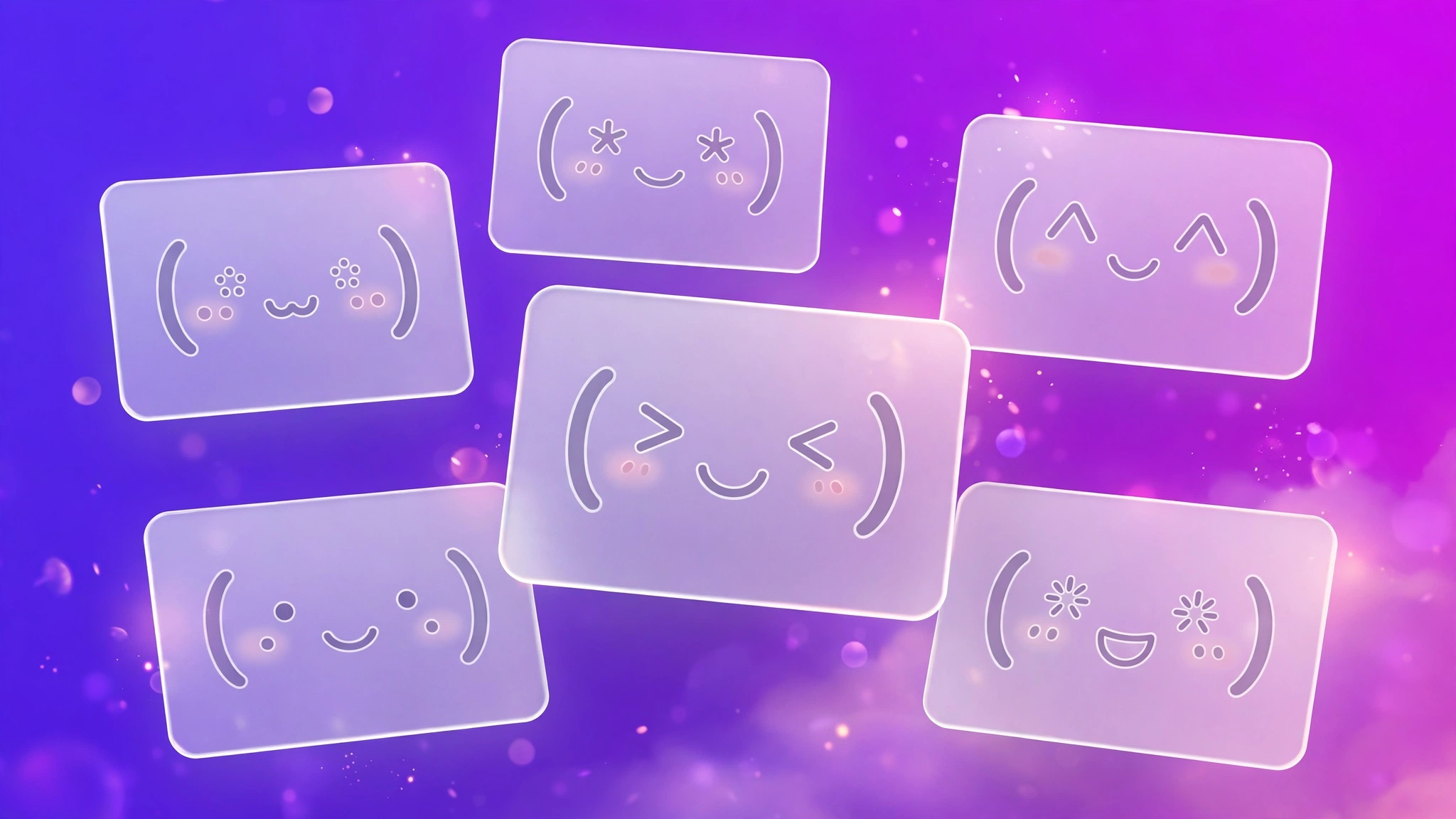
Kaomoji are Japanese text emoticons made from ordinary keyboard and Unicode characters, read face-on like (^_^) and ¯\_(ツ)_/¯. Copy one from the collection below and paste it into Discord, a social bio, or any chat. They are plain text, so they work anywhere text works. A kaomoji is a face made of text. No image,…
How to Count Characters in Google Docs (4 Ways)
To count characters in Google Docs, open Tools, then Word count, or press Ctrl+Shift+C on Windows and Chromebook, or Cmd+Shift+C on a Mac. The dialog shows pages, words, characters, and characters excluding spaces. You can also keep a live counter on screen, count selected text only, or check the count in the Docs app. Intro…
Social Media Character Limits 2026: Every Platform
The shortest post limit among major platforms is Bluesky at 300 characters, and the longest is Facebook at 63,206. Most platforms sit between 280 and 2,200: X allows 280 free posts, Threads 500, Instagram captions 2,200, TikTok captions 2,200 through the API or 4,000 in the app, and LinkedIn posts 3,000. Bios are far tighter,…
How to Format Text on Discord: Bold, Italics, Spoilers
To format text on Discord, wrap words in symbols before and after them: bold, italics, underline, strikethrough, and ||spoiler||. Start a line with # for a header, -# for small subtext, > for a quote, or – for a list. Discord has no font menu or color picker, so these symbols are the whole system,…
Superscript vs Subscript: What Is the Difference?
Superscript is small text raised above the line, used for exponents, ordinals, and footnotes. Subscript is small text lowered below the line, used for chemical formulas and indices. They are opposites: one goes up, one goes down. Superscript and subscript look alike at a glance. Both are small text, both sit off the normal line,…
Instagram Character Limit: Caption, Bio, Hashtags (2026)
An Instagram caption allows 2,200 characters. A bio allows 150 characters. A post or Reel allows 5 hashtags, down from 30 in December 2025. A username and a profile name allow 30 characters each. Instagram gives every text field its own limit, and the limits are not written down in one place. The caption allows…